Showing posts with label iPad. Show all posts

Monday, September 12, 2011

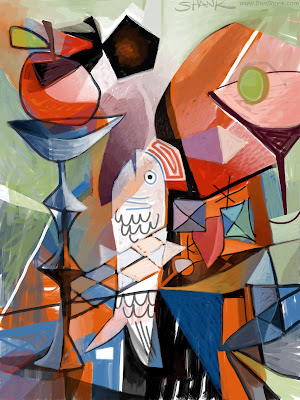
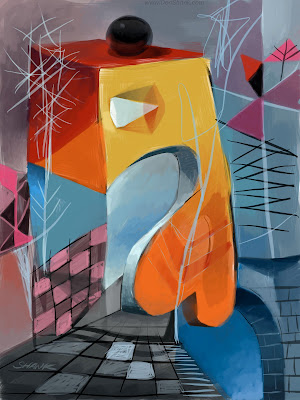
Cubist Sketch

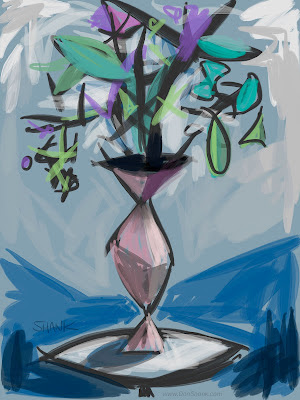
This is a little sketch of a chair in my living room. It probably helped the cubist angle that my daughter kept moving the chair and cushions around, and of course juggling family needs caused the relatively quick painting to actually span the entire day, so the light was never the same twice.
The painting was done using the Brushes app on my iPad.

Friday, April 15, 2011

Adobe Eazel

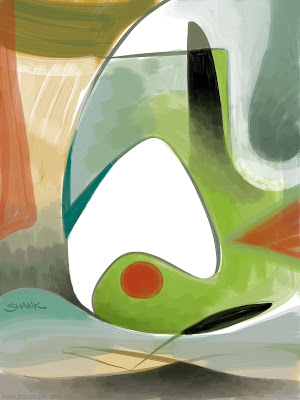
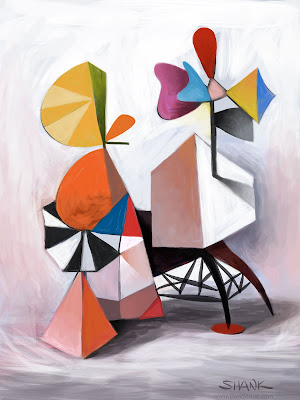
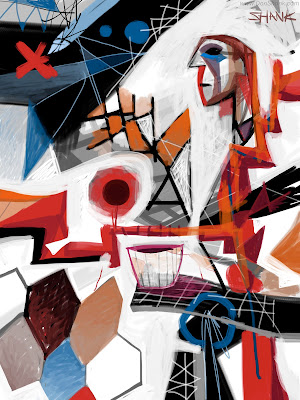
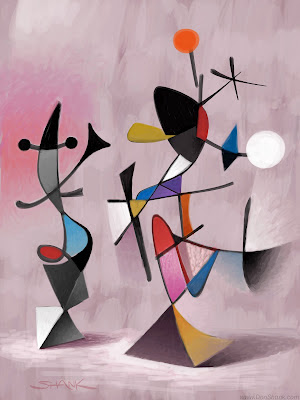
I was fortunate to be in the prerelease testing of the new Adobe iPad apps and they are very cool. I had a lot of fun doing these paintings using Adobe Eazel. The paint engine is this sort of water-colory medium that bleeds and dries and the interface is unique using a five-finger touch. There's also a button to send the image from Eazel directly to Photoshop so you don't have to email yourself a jpeg or something. A new file appears and your painting is on a layer. Pretty nice!

There's also two other apps that connect with Photoshop that are pretty exciting. I recommend checking these out when they become available. From Adobe's website...
Adobe Color Lava, Adobe Eazel and Adobe Nav applications for Photoshop are also expected to be available in early May 2011, ranging in price from US$1.99-$4.99, on the iTunes App Store.

One of my images made it into a promotional video for Eazel.

And here's a little bit more about Eazel, Nav, and Color Lava.

Monday, December 20, 2010

Cheers!


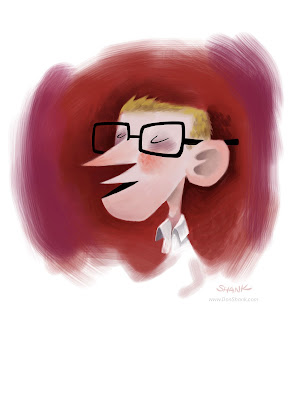
Here's a paint doodle of Kurt toasting the holidays that I did on my iPad using Brushes.

Wednesday, December 08, 2010

iPad Paintings: Vol 1


iPad paintings
2010
Finger on Glass

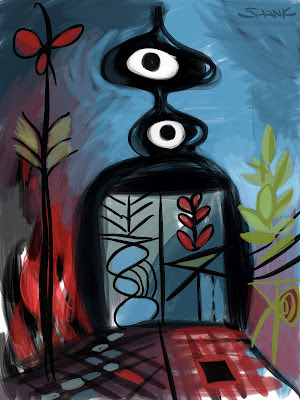
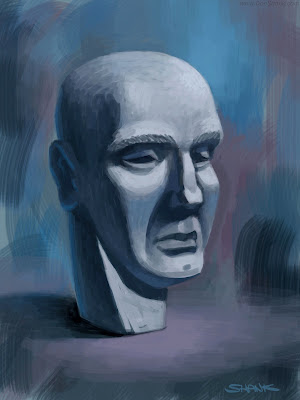
When I have some spare time (hahahahah) I like to paint on my iPad. Most of the people I know that use an iPad use a stylus because they want to draw/sketch more than paint. Yes, drawing with your finger isn't so great but I have no problem Painting with my finger. In fact, I like it quite a bit.

Above are a handful of paintings I did on my iPad with the Brushes app for iPad. I love this app. Yes, I've tried Sketchbook Pro, I like it fine, it's a great app, but I'm drawn more to the simple directness of Brushes. It's a pleasure to use. (Though there are a few things I wish it had (Saturation Slider please!))
Also, one of the coolest things is you can play back your painting right there on the iPad and watch as it re-creates itself. Even better you can email yourself the "actions" file for the painting to your computer and using the free Brushes Viewer application it can re-render the image up to 6x high and wide (that's 4608pixels by 6144 pixels!) The images here on my blog were shrunk down from that size to 2000 x 1500. It will export Quicktime movies too, I'll post some movies in the future.

Most of the work I do on my iPad is abstract but I have toyed a little with some indoor plein comput-air painting hehe. I would love to make a giant burka style outdoor iPad plein air painting jumpsuit hahaha.